Amazon Prime Video Sign In Not Working on Smart TV
If Amazon Prime Video sign in is not working on your Smart TV, the issue may happen before or after entering the activation code. Sometimes the app opens but refuses to link your account. Other times, the TV does not complete sign-in even after the code is accepted.
Quick Summary
If Prime Video sign in is not working on Smart TV, check whether you are using the correct Amazon account, generate a new code, restart the TV, and make sure the Prime Video app is updated. If the sign-in still fails, remove the app and install it again.
Why Smart TV Sign-In Fails
Smart TV sign-in problems are often caused by:
wrong Amazon account
expired activation code
TV software glitch
outdated Prime Video app
interrupted internet connection
incomplete registration process
Step-by-Step Fix for Prime Video Sign In Not Working
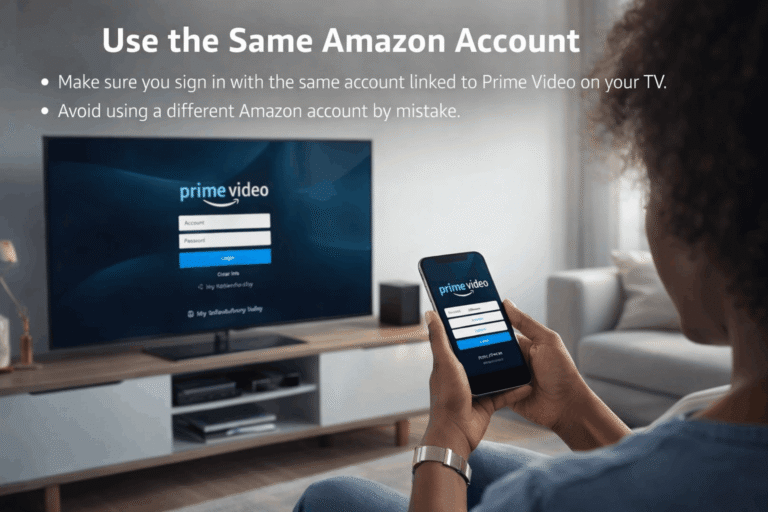
Step 1: Confirm the Correct Amazon Account
Make sure you are signing in with the same account that should be linked to Prime Video on that TV.
Many users accidentally use a second Amazon account.
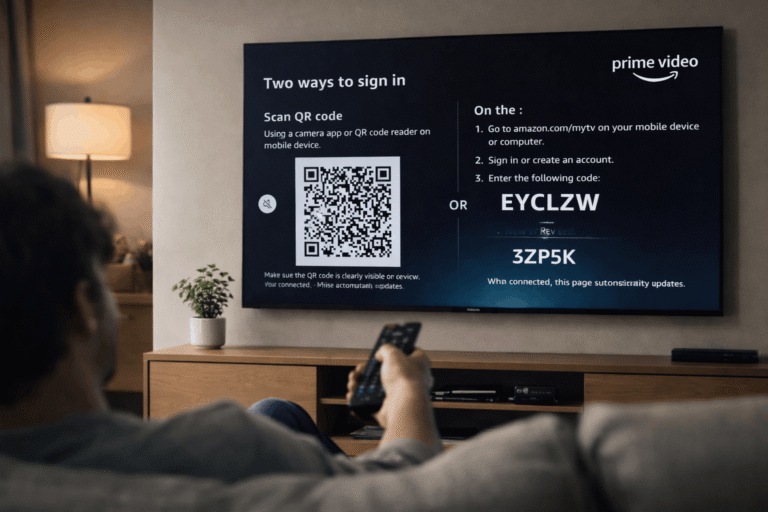
Step 2: Generate a Fresh Sign-In Code
If the old code has been sitting on the screen for too long, go back and generate a new one.
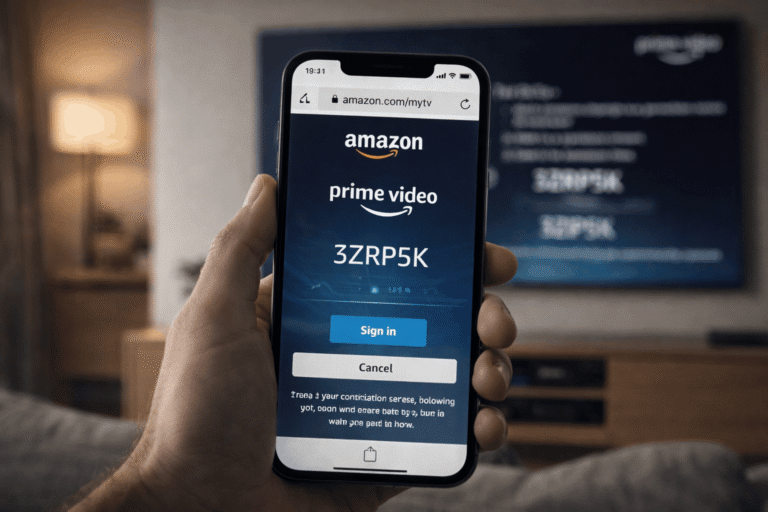
Step 3: Complete Sign-In on a Different Device
Use a phone or computer browser to sign in and submit the TV code. This is often easier and more reliable than trying to troubleshoot on the TV alone.
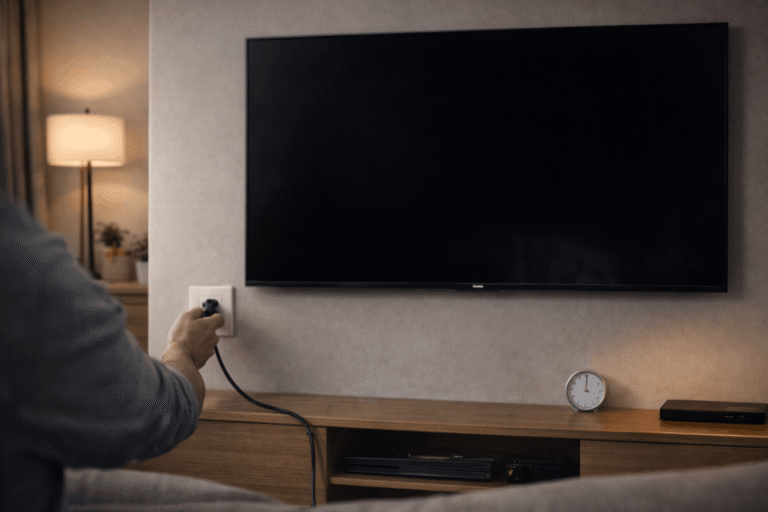
Step 4: Restart the Smart TV
Turn off the TV completely, unplug it for 1 minute, and then power it on again.
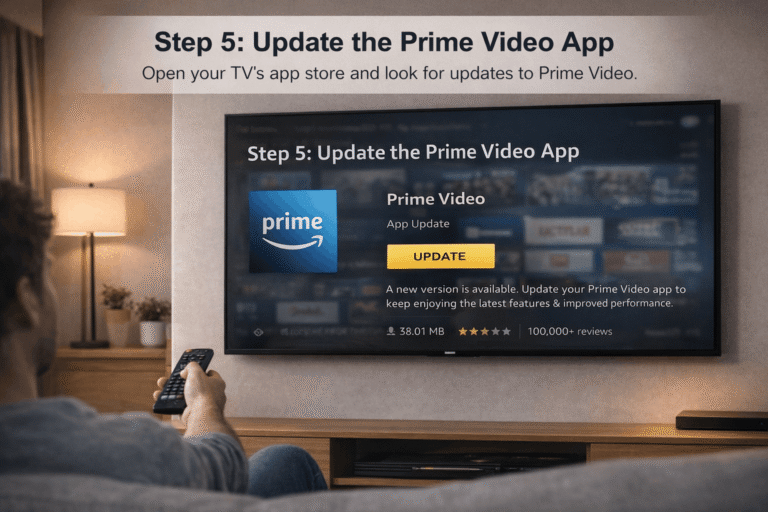
Step 5: Update the Prime Video App
Open your TV’s app store and look for updates to Prime Video.
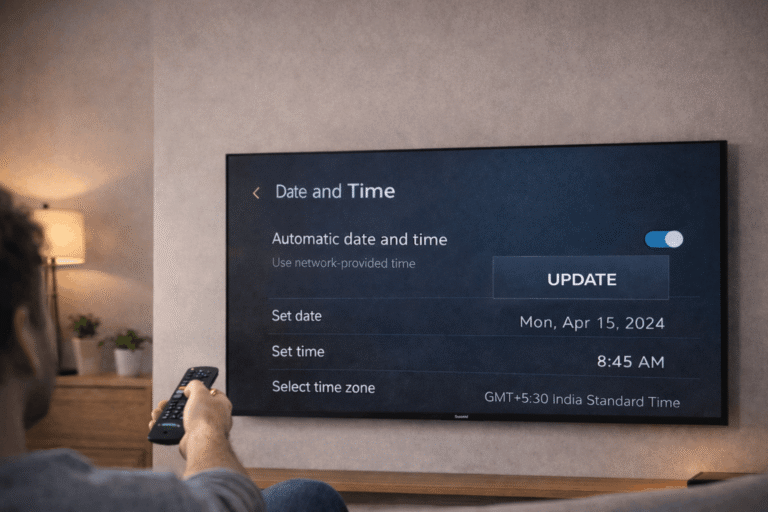
Step 6: Check Date and Time Settings
Incorrect time settings on some Smart TVs can cause login and app verification issues. Set date and time to automatic if possible.
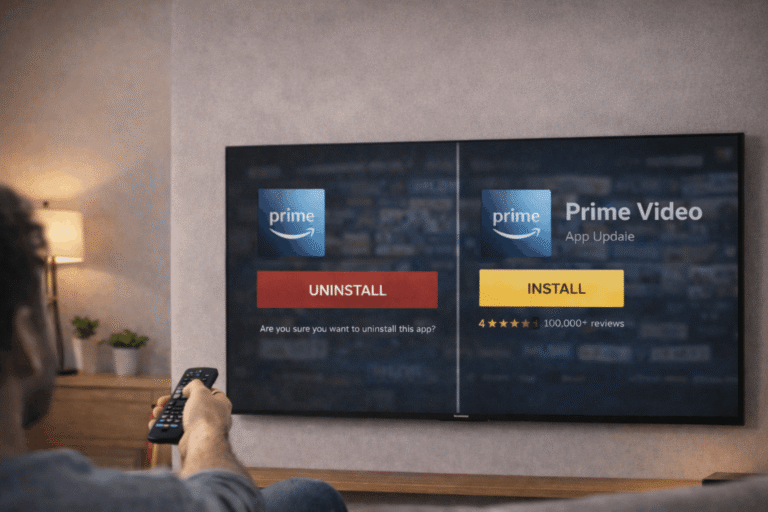
Step 7: Reinstall Prime Video
If sign-in still does not work, remove the app, restart the TV, and install it again.
Extra Tip for Smart TV Users
Different TV brands behave differently. Samsung, LG, Sony, TCL, Roku TV, and Android TV devices may show slightly different sign-in menus, but the goal is the same: generate a code and link the device through your Amazon account.
Amazon Prime Video Sign In Not Working on Smart TV? How to Fix It Fast
Getting an Amazon Prime Video Sign In Not Working on Smart TV can be incredibly frustrating when you’re ready to stream. This error usually means the 6-digit code has already expired or there is a mismatch between your TV and the amazon.com/mytv website session.
Follow the steps below to refresh your session and get a working code instantly:
Final Summary: Fix Prime Video Sign In on Smart TV
When Amazon Prime Video sign in is not working on Smart TV, focus on account matching, fresh code generation, app updates, and a clean restart. Most sign-in issues are caused by temporary glitches or incomplete account linking.
It can help if the issue is caused by corrupted app data or a stuck login state.
Written by Alex Carter
Tech Specialist at EnterTVCode
Alex has 6+ years of experience helping users fix streaming device activation and TV connectivity issues. He writes simple step-by-step guides so anyone can set up their devices without frustration.